Menu



Alysum theme section heading
.jpg)
Quelques exemples de réalisations
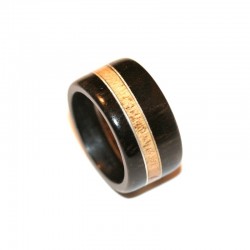
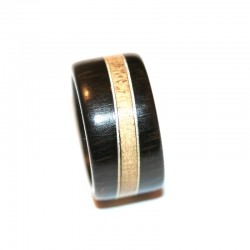
Bague Alliance en ébène/aluminium/frêne
330,00 €
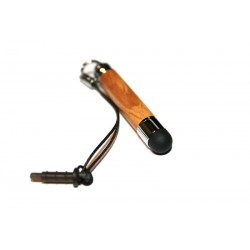
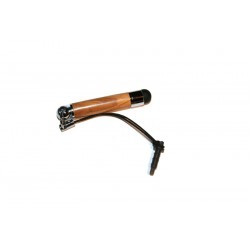
Stylet pour smartphone (Iphone, Samsung Galaxy Note, Nokia Lumia...) ou montre connectée en bois d'olivier
29,00 €
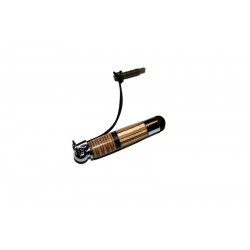
Stylet pour smartphone (Iphone, Samsung Galaxy Note...) original multicouches n°3, en bois de bouleau
55,00 €
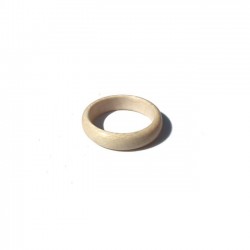
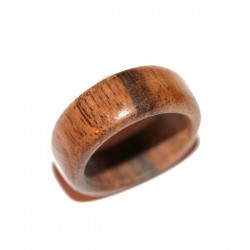
Bague en érable sycomore, bois blanc
85,00 €
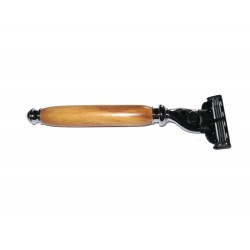

Rasoir en bois d'Olivier de Provence - lame Gillette Mach 3 ®
68,00 €
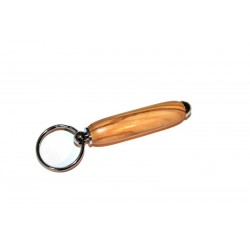
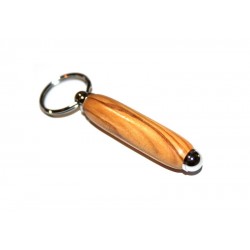
Porte-clés en bois d'Olivier (Porte-clefs en Olivier) personnalisable
28,00 €
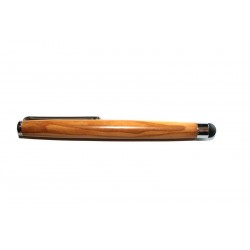
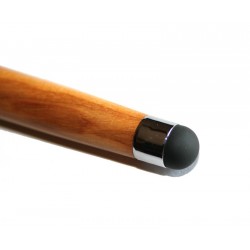
Stylet pour tablette tactile (Ipad,galaxy tab,xoom...) en bois d'olivier
37,00 €
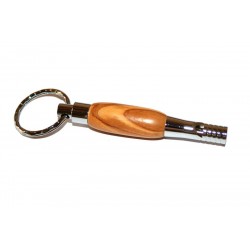
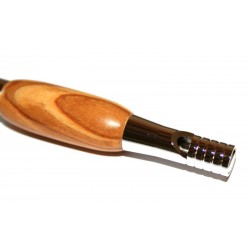
Porte-clés mini sifflet chromé en bois d'Olivier
38,00 €
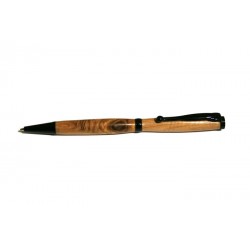
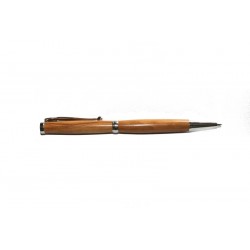
Stylo à bille en bois de Cade chromé
28,00 €
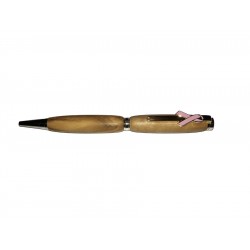
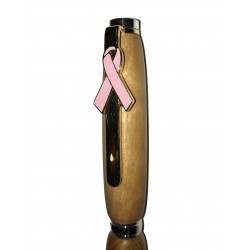
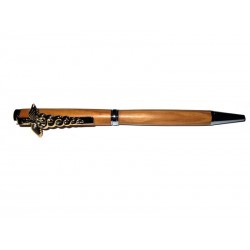
Stylo en bois avec ruban rose (Association de lutte contre le cancer du sein) en bois d'olivier de provence
34,00 €
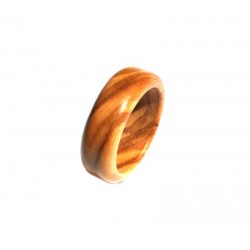
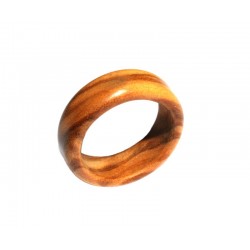
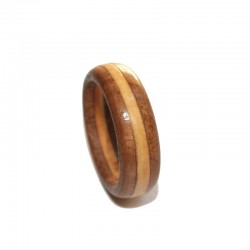
Bague Alliance en Olivier de Provence
92,00 €
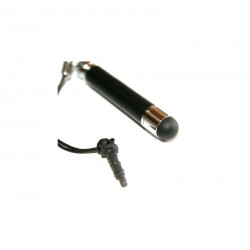
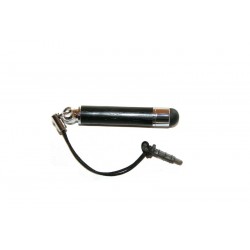
Stylet pour smartphone (Iphone, Samsung Galaxy Note...) en bois d'ébène
45,00 €
Articles et conseils

Le kit roue arrière choisi vient de chez Annad.fr Annad est une société Française...

Lorsqu’on aborde le sujet de matériaux pour les bagues, le platine et l'or sont généralement...

Stylo Bois fait main Si vous préférez acheter un cadeau original qui n'est pas disponible...

Comment protéger sa bague en bois ?Vous voulez simplement nourrir la bague en bois.Aucun...
Garanties de sécurité
Site en HTTPS Paiement 100% sécurisé par Carte Bleue, Visa, Mastercard ou Paypal.
Réponse rapide
Réponse garantie en 24/48h.

Artisan Français
Créations artisanales Françaises.

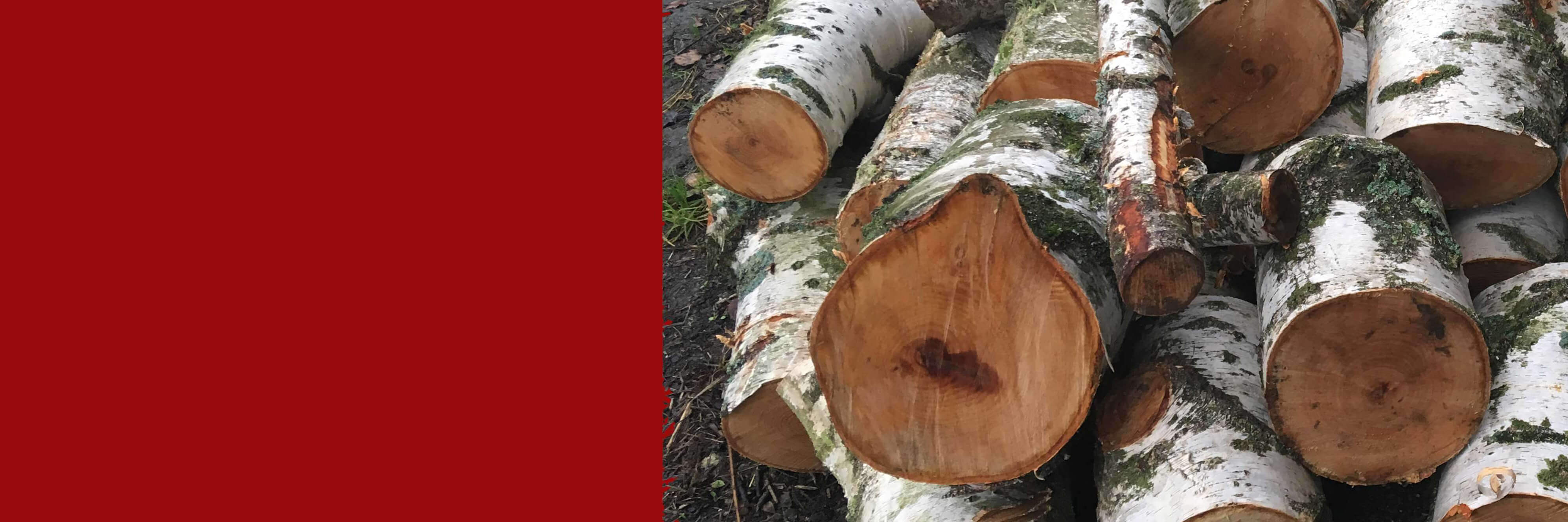
Diverses essences de bois disponibles à tous moments.
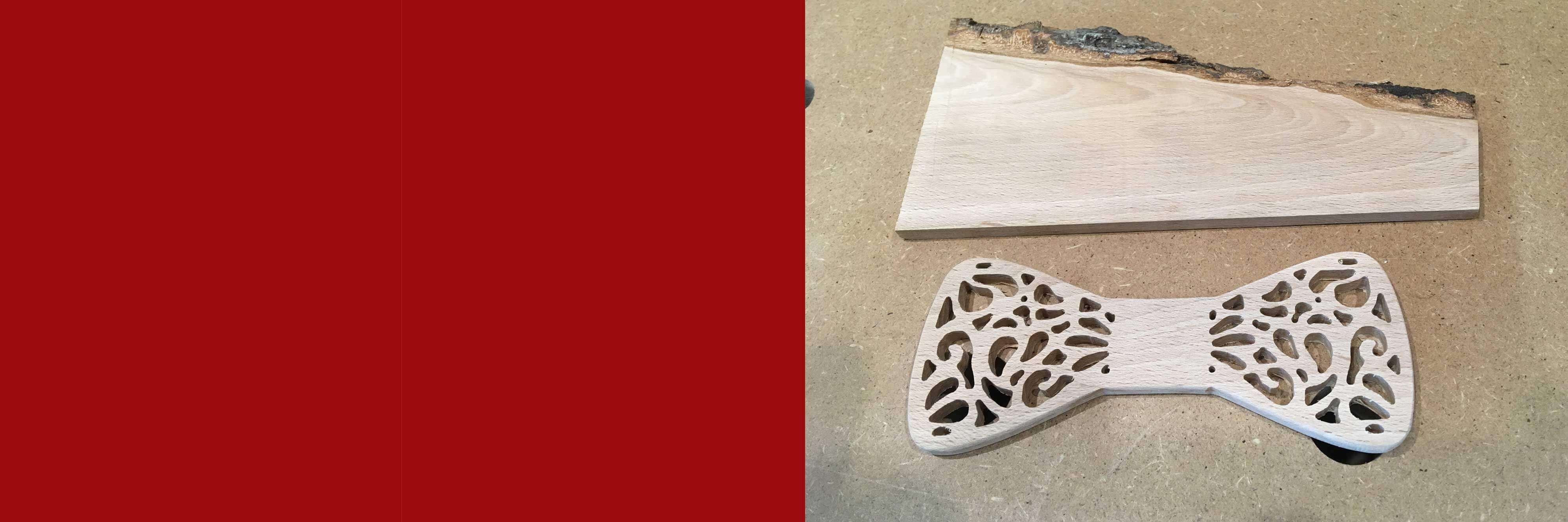
Objets en bois sur mesure et personnalisés
Pour tout projet bois (ou bois/métal), n'hésitez pas à demander un devis.